
Manual vs Managed OBS Plugin Installation
A practical comparison of manual versus managed OBS plugin installation for users who want a more maintainable setup workflow.
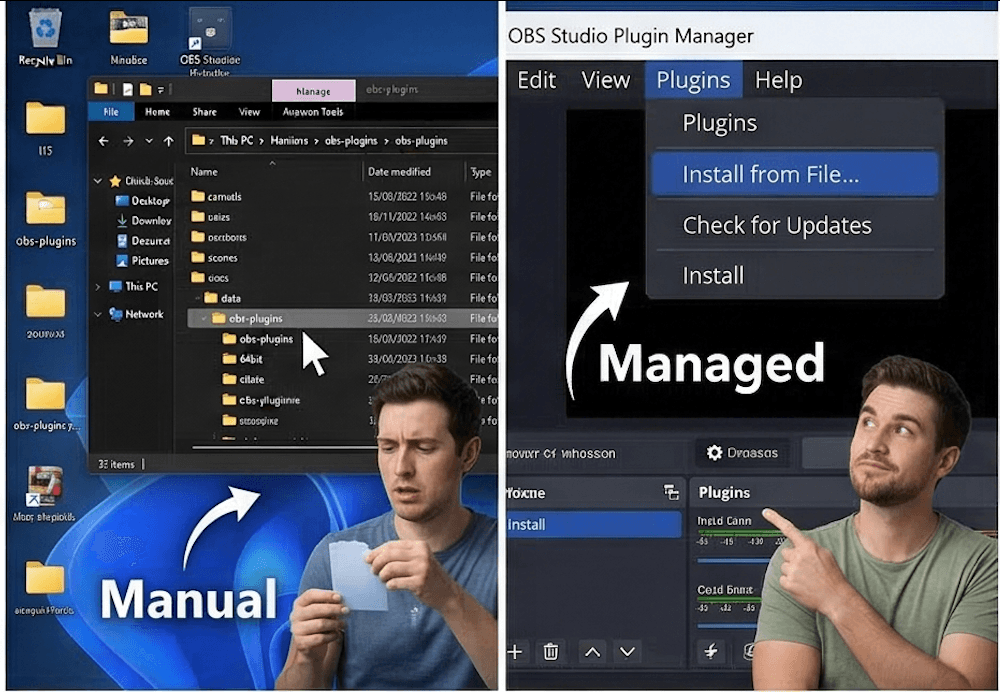
What Manual OBS Plugin Installation Usually Looks Like
- Finding the plugin
- Selecting the correct release
- Extracting files
- Locating the correct OBS folders
- Copying files correctly
- Verifying compatibility before and after installation
Manual installation is still a real option, but it asks the user to hold every part of the process together on their own.
Where Manual OBS Plugin Installation Goes Wrong
- Wrong version
- Wrong folder
- Partial installs
- Unclear update status
- Messy maintenance over time
What a Managed OBS Plugin Manager Workflow Improves
| Area | Manual workflow | Managed workflow |
|---|---|---|
| Plugin discovery | Users search across sites and release pages. | Plugins are easier to review from one catalog or workflow. |
| Install notes | Users piece instructions together manually. | Install notes and compatibility context stay closer to the install action. |
| Compatibility visibility | Users must remember to check it themselves. | Version and environment details are easier to review before changes. |
| Maintenance | Updates and installed state become harder to track over time. | Plugin state and maintenance workflow stay more centralized. |
Who Can Still Use Manual Installation
Manual installation still makes sense for advanced users, small test setups, or unusual plugins that do not fit a managed workflow yet. It can also be reasonable when someone is testing in a non-critical environment and understands how to verify paths, builds, and cleanup.
When an OBS Plugin Manager Makes More Sense
Managed workflows make more sense on production machines, shared church systems, and creator setups where stability matters more than proving that a manual install can be done.
If you want a more centralized way to review discovery, install notes, compatibility, and ongoing maintenance, OBS Plugin Installer is built for that style of workflow without pretending manual installs never have a place. If you want the day-to-day maintenance view, also read how to manage OBS plugins.
Related Resources
Explore more pages about OBS control, mobile production workflows, and livestream operations.
How to install OBS plugins
Review the manual workflow step by step before deciding how you want to manage it.
Read pageHow to manage OBS plugins
See what ongoing maintenance looks like after the first plugin install is done.
Read pageOBS plugin compatibility
Compatibility checks are one of the biggest differences between guesswork and a managed workflow.
Read pageWant a More Maintainable Plugin Workflow?
OBS Plugin Installer is built for users who want a more maintainable setup process than manual plugin installs.