xattr
This is the macOS command used to read or remove extended file attributes.

A step-by-step guide to open a blocked app on macOS, including where to find Terminal, how xattr com.apple.quarantine works, and what to do after you run the command.
The screenshots below use Plugin Installer for OBS as the example app, but the same macOS steps also apply to other apps blocked by the quarantine flag.
If you see a message that a macOS app cannot be opened, it usually means macOS added a security check to that download. Apple does this to make you pause before opening apps that came from the internet.
This is often called an app being blocked by Apple, but in many cases it simply means the app is new, not yet recognized on that Mac, or still marked with a quarantine flag after download.
If you trust the app and downloaded it from the source you intended, the steps below show how to open a blocked app on macOS.
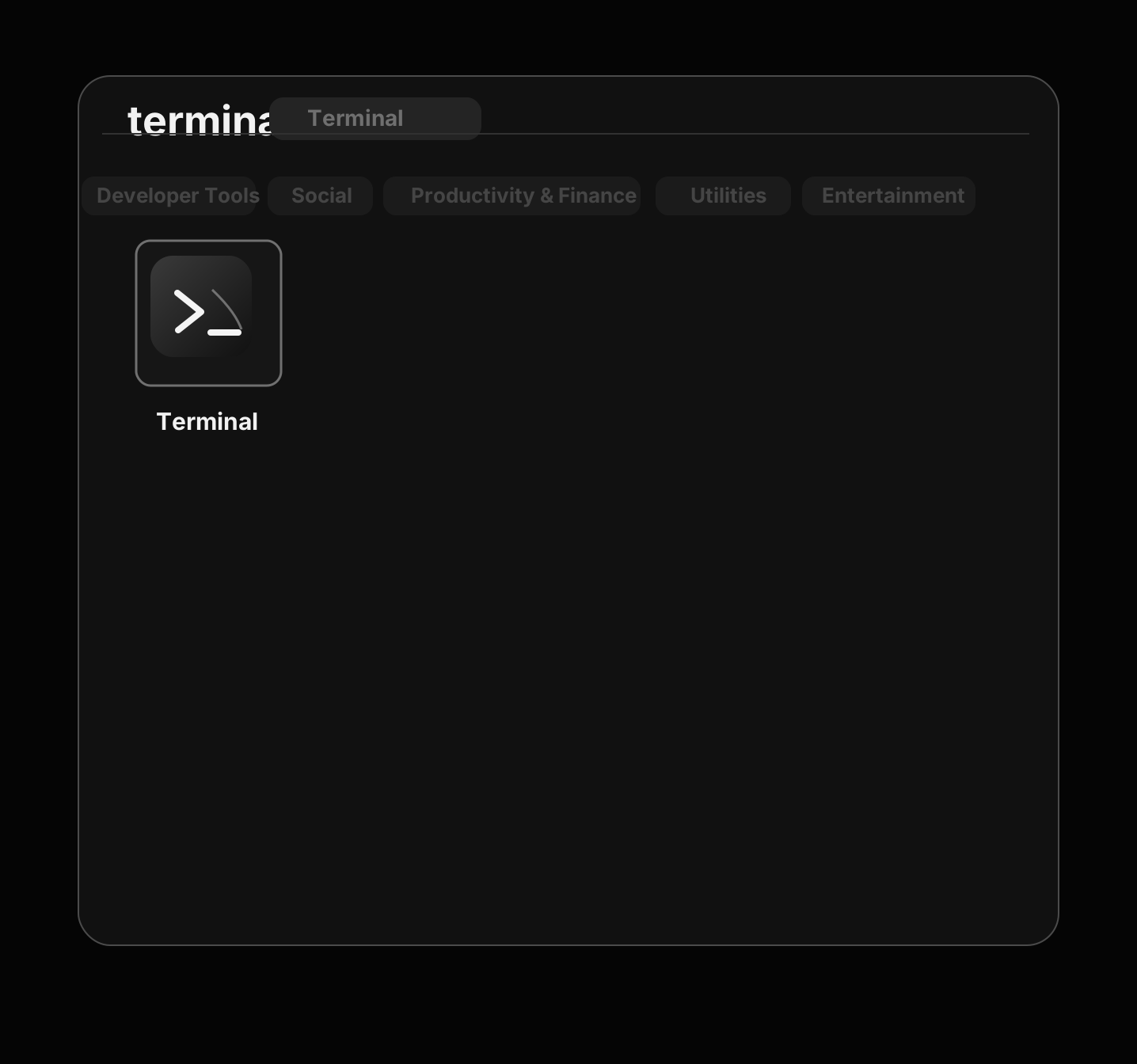
Terminal is a built-in macOS app where you can type commands. You need to open Terminal before you can run the command that removes the quarantine flag from the app.
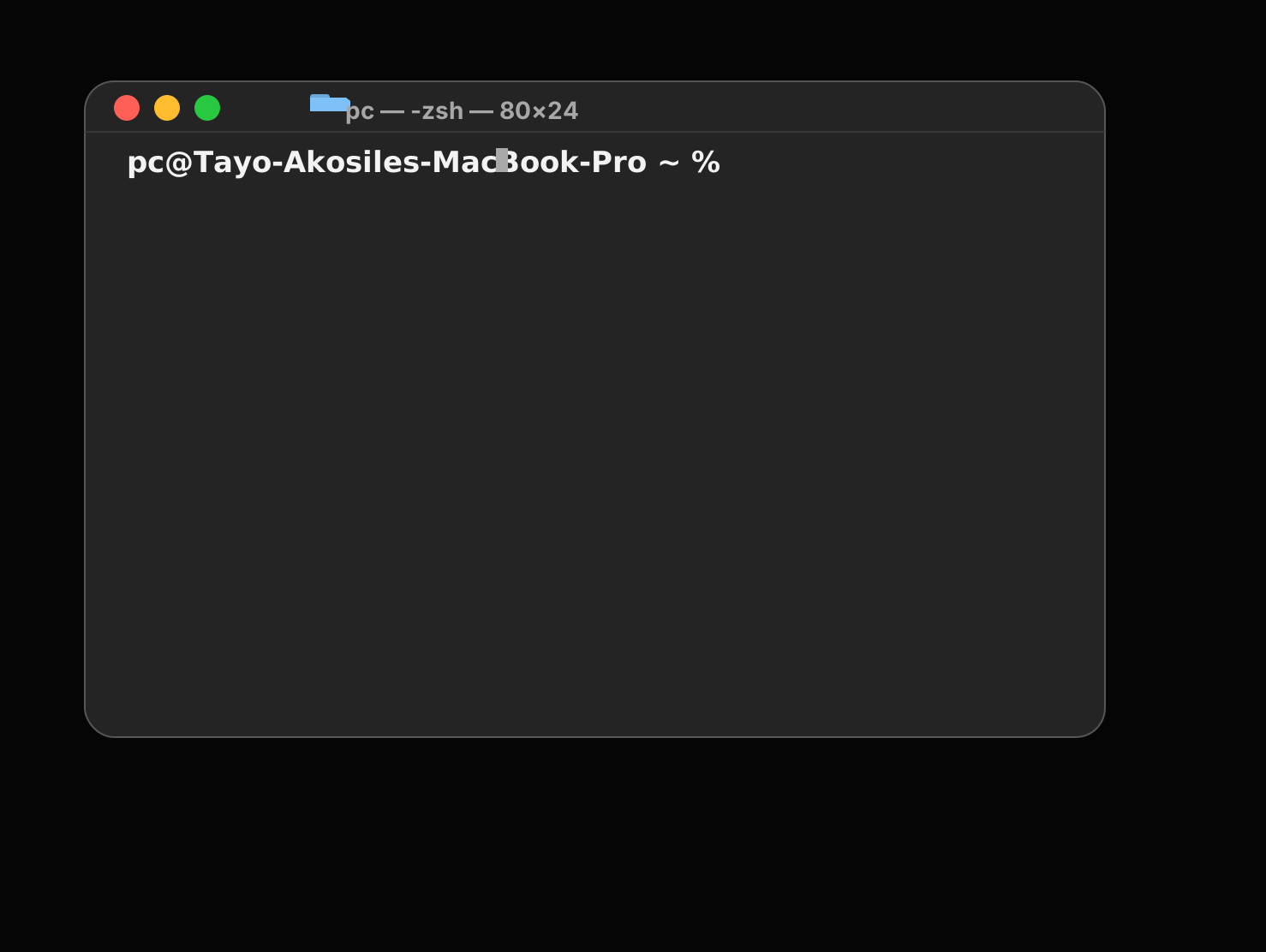
Paste this command into Terminal. Replace App Name.app with the real name of the app you want to open.
Terminal command
Copy, paste, then replace App Name.app with the actual app name.
xattr -dr com.apple.quarantine "/Applications/App Name.app"For example, if the app is named Sample Tool.app, that part of the command should match the exact name shown in Finder.
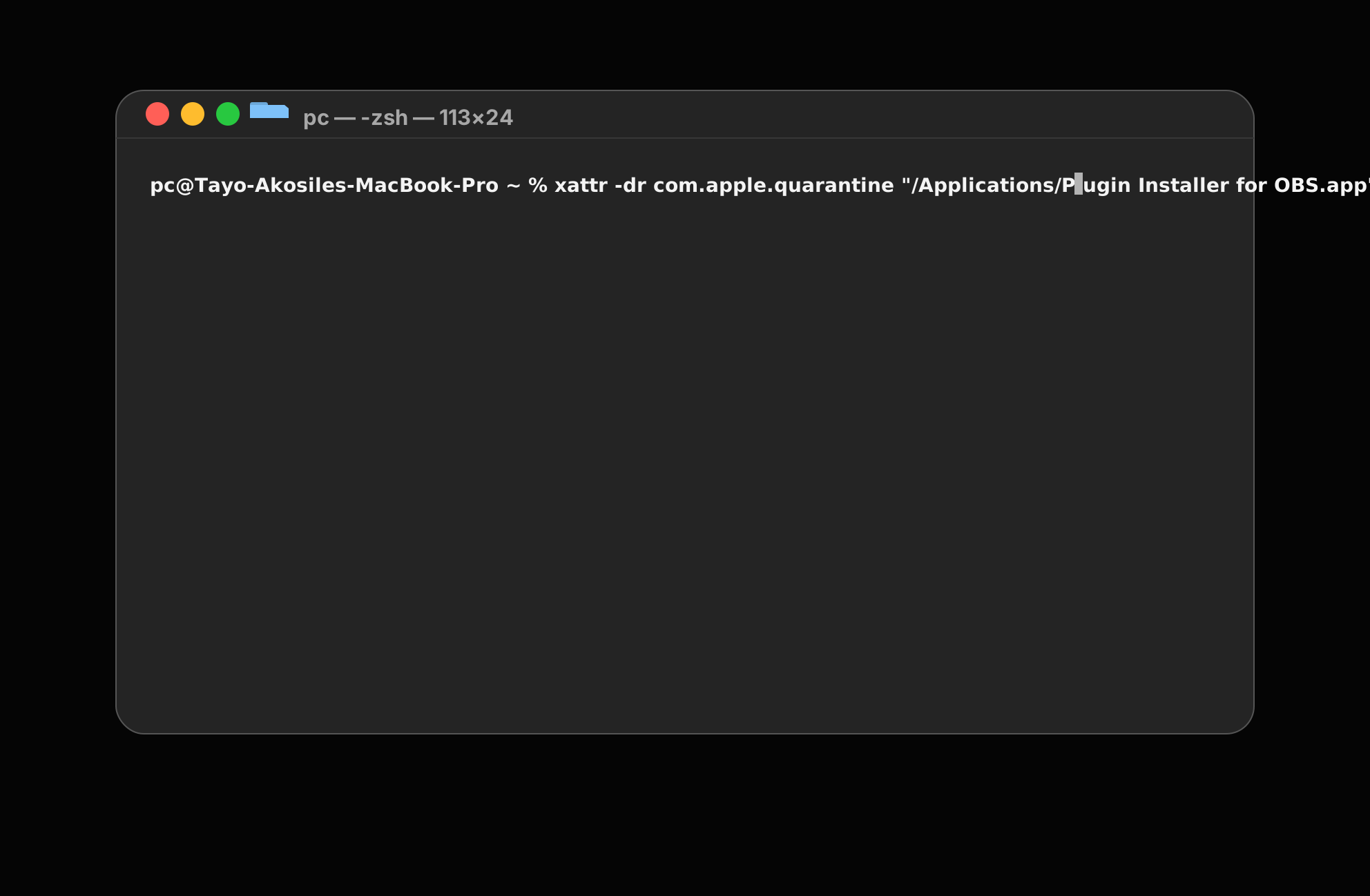
xattrThis is the macOS command used to read or remove extended file attributes.
-drThis tells macOS to remove the attribute recursively.
com.apple.quarantineThis is the quarantine flag macOS adds to some downloaded apps.
"/Applications/App Name.app"This is the path to the app you want to unblock.
The first example uses /Applications/App Name.app because that is where many Mac apps are stored after installation.
If your app is somewhere else, replace that part of the command with the real location of the app.
xattr -dr com.apple.quarantine "/path/to/App Name.app"This second example shows the same command with a different path. The important part is that the quoted path matches where the app actually lives on your Mac.
If you are not sure about the exact app name, Spotlight can help you confirm what macOS calls the app before you edit the command.
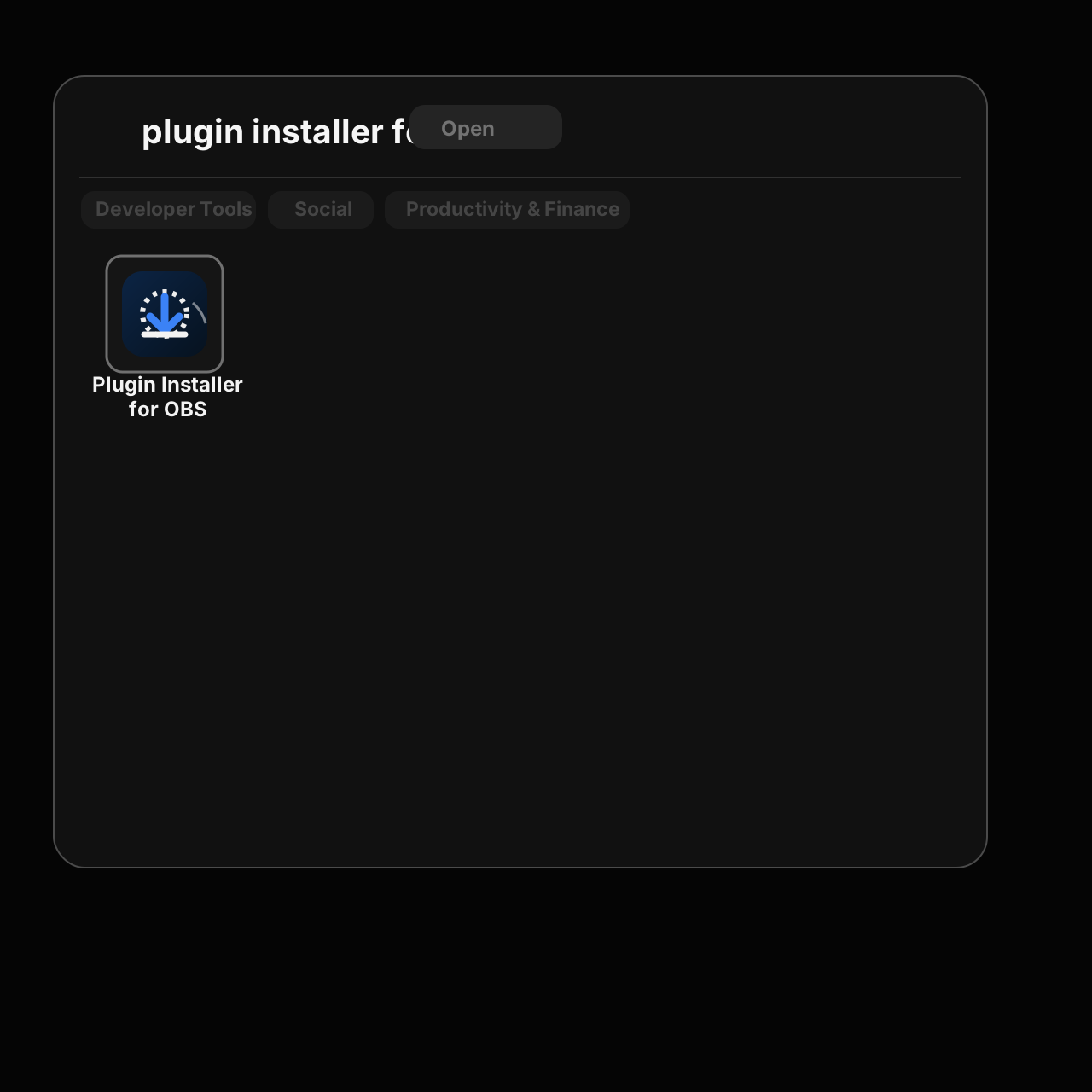
If the command works, Terminal may not show much output. That is normal.
This is the normal flow for how to open blocked app on Mac: run the command, let Terminal finish, then try opening the app again.
If you're looking for a simpler way to manage plugin installation without manually copying files and folders, check out our plugin installer tool.
Visit the product page