OBS Controller — Control OBS from Your Phone or Tablet
DeckPilot is a mobile OBS controller that gives creators and production teams scene switching, macro control, audio control, and stream monitoring on a phone or tablet.
Why Teams Need an OBS Controller
An OBS controller gives operators a faster way to manage scenes, audio, macros, and stream actions than reaching back to the OBS computer during a broadcast.
For many teams, a mobile OBS controller is the most practical format. It is portable, easy to hand to a volunteer or producer, and flexible enough to work as an OBS phone controller or OBS tablet controller.
What DeckPilot Controls in OBS
- OBS scene switching for live transitions
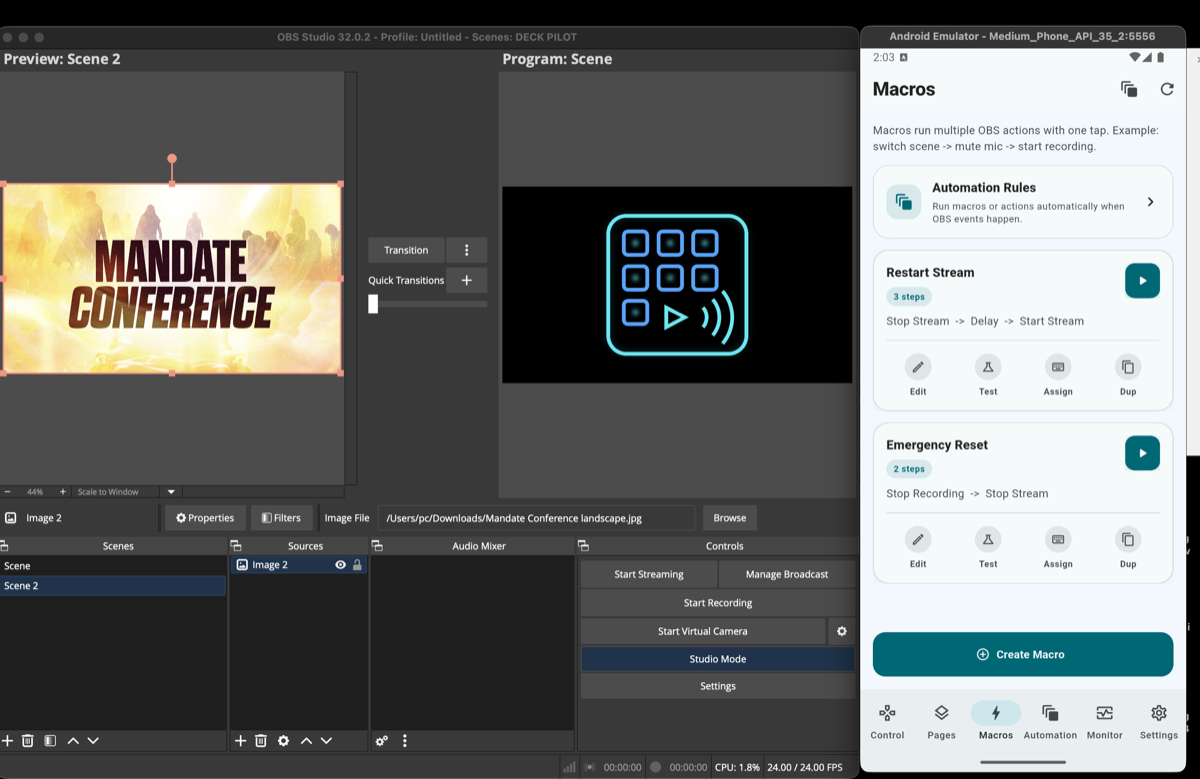
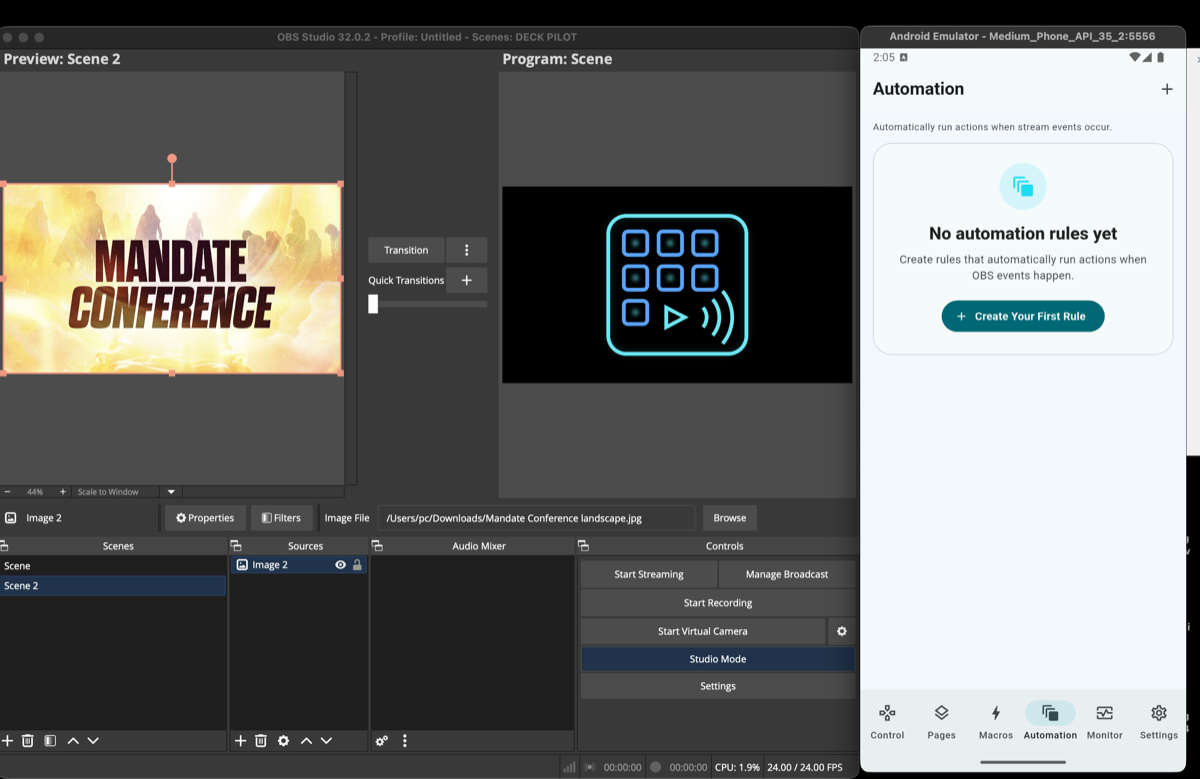
- OBS macro automation for repeatable production actions
- OBS audio control for microphones and sources
- Stream start, stop, and recording actions
- Stream health monitoring during live production
That makes DeckPilot useful as an OBS remote controller for solo creators, church livestream teams, studios, and event operators.
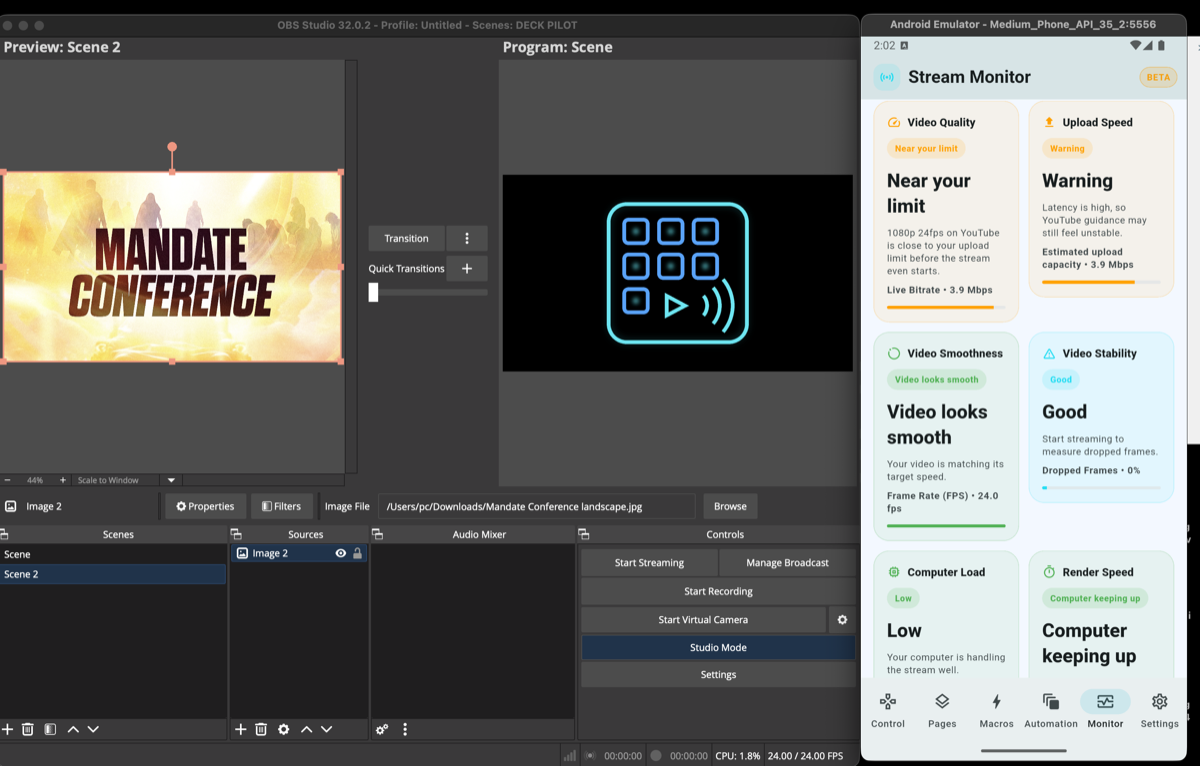
Phone and Tablet Workflows
A phone works well when you need quick access to scene changes, audio mute control, or macro buttons while moving around the room. A tablet gives you more space for a full OBS control surface with larger touch targets and status visibility.
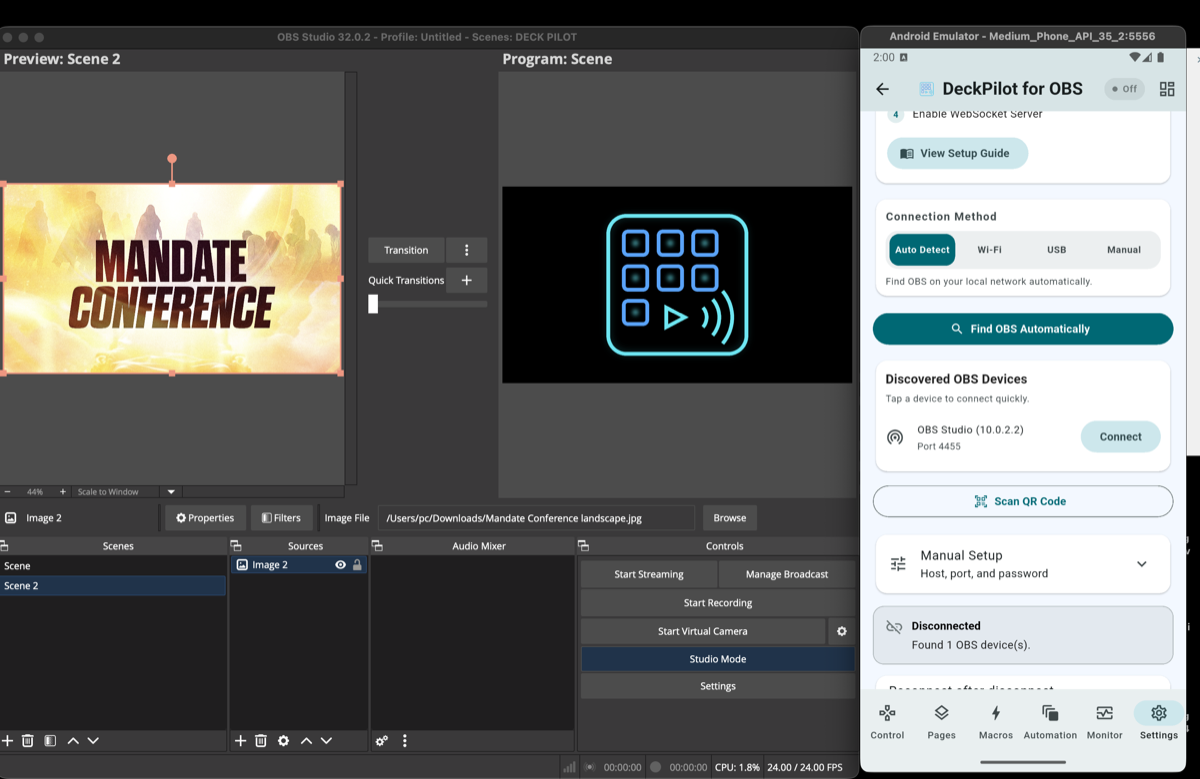
If you are specifically looking for a way to control OBS from your phone, DeckPilot supports both compact and larger touch-based workflows on the same local network as the OBS machine.
How to Set Up an OBS Mobile Controller
- 1Install DeckPilot on your Android phone or tablet.
- 2Open OBS Studio and enable WebSocket in Tools and then WebSocket Server Settings.
- 3Connect to OBS using the device IP address or QR code.
- 4Start switching scenes, controlling audio, and running macros from the mobile interface.
You can read more detail in the OBS WebSocket setup guide or jump straight to the DeckPilot product page.
Related Resources
Explore more pages about OBS control, mobile production workflows, and livestream operations.
DeckPilot product page
See the full commercial product page with features, setup, FAQ, and download details.
Read pageStream Deck alternative for OBS
Compare DeckPilot with hardware controller workflows and see when mobile control makes more sense.
Read pageControl OBS from phone
Explore the phone-specific landing page for mobile OBS control and setup.
Read pageUse a Phone or Tablet as Your OBS Controller
DeckPilot gives you fast scene switching, remote audio control, macros, and stream monitoring without touching the OBS computer.